Getting Started with Python Automated Cryptocurrency Trading: An Introduction to Binance API
This is the first step in creating an automated crypto trading system using Python and the Binance API. It covers account connection, price retrieval, and placing your first order step-by-step.
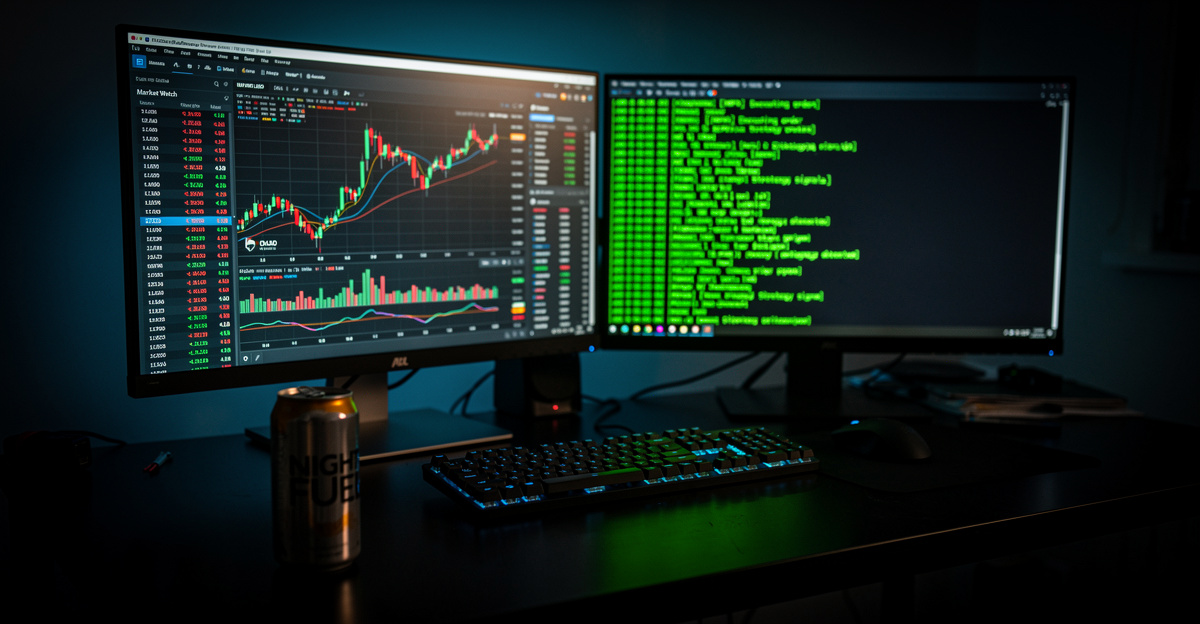
Why Automate Crypto Trading

The cryptocurrency market is open 24/7, 365 days a year. Humans can’t watch charts continuously, but programs can.
There are three main advantages of automated trading:
- Emotion Removal: Prevents mistakes like panic selling or greedy buying
- 24/7 Monitoring: Executes trades according to rules even at dawn
- Backtesting: Validates strategies against historical data
The combination of Python + Binance API offers the lowest entry barrier. It’s free, well-documented, and there are many Korean-language resources.
Requirements
- Install Python 3.10 or higher
- Have a Binance account + generate API keys
- Install python-binance library
pip install python-binance pandasGenerating Binance API Keys
- Log in to Binance → Account Management → API Management
- Click on “Create API” → Enter a name
- Save your API Key and Secret Key
Security settings (Must-do):
- IP restriction: Allow only your computer’s IP
- Withdrawal rights: Never enable
- Enable only Spot trading (turn off futures initially)
Basic Connection
from binance.client import Client

api_key = "Your_API_Key_Here"
api_secret = "Your_Secret_Key_Here"

client = Client(api_key, api_secret)

# Verify connection
info = client.get_account()
print(f"Account status: {info['canTrade']}")
print(f"Assets:")
for asset in info['balances']:
    free = float(asset['free'])
    if free > 0:
        print(f"  {asset['asset']}: {free}")
Price Retrieval
Current Price
# Bitcoin current price
ticker = client.get_symbol_ticker(symbol="BTCUSDT")
print(f"BTC current price: ${ticker['price']}")
Candle Data (OHLCV)
import pandas as pd

# Last 100 hourly candles
klines = client.get_klines(symbol="BTCUSDT", interval="1h", limit=100)

df = pd.DataFrame(klines, columns=[
'open_time', 'open', 'high', 'low', 'close', 'volume',
'close_time', 'quote_volume', 'trades',
'taker_buy_base', 'taker_buy_quote', 'ignore'
])

# Convert to numeric
for col in ['open', 'high', 'low', 'close', 'volume']:
    df[col] = df[col].astype(float)

df['open_time'] = pd.to_datetime(df['open_time'], unit='ms')
print(df[['open_time', 'close', 'volume']].tail())
Building a Simple Strategy
This example uses a Moving Average Crossover strategy. When the 20-day MA crosses above the 50-day MA, buy; when it crosses below, sell.
def check_signal(df):
    """Check Moving Average Crossover Signal"""
    df['ma20'] = df['close'].rolling(20).mean()
    df['ma50'] = df['close'].rolling(50).mean()

    latest = df.iloc[-1]
    prev = df.iloc[-2]

    # Golden cross: buy signal
    if prev['ma20'] <= prev['ma50'] and latest['ma20'] > latest['ma50']:
        return "BUY"
    # Death cross: sell signal
    elif prev['ma20'] >= prev['ma50'] and latest['ma20'] < latest['ma50']:
        return "SELL"
    else:
        return "HOLD"

signal = check_signal(df)
print(f"Current signal: {signal}")
Executing Orders
Market Buy
# Market buy 0.001 BTC (about $70)
order = client.create_order(
    symbol='BTCUSDT',
    side='BUY',
    type='MARKET',
    quantity=0.001
)
print(f"Order completed: {order['orderId']}")
print(f"Fill price: {order['fills'][0]['price']}")
Market Sell
order = client.create_order(
    symbol='BTCUSDT',
    side='SELL',
    type='MARKET',
    quantity=0.001
)
Warning: This involves real money. Always test with minimum amounts initially. It’s highly recommended to use Binance testnet (test mode) first.
Automated Loop
This loop checks signals and places trades every hour.
import time

def run_bot():
    """Trading bot running every hour"""
    while True:
        try:
            # 1. Fetch data
            klines = client.get_klines(
                symbol="BTCUSDT", interval="1h", limit=100
            )
            df = pd.DataFrame(klines, columns=[...])  # Same as above
            for col in ['open', 'high', 'low', 'close', 'volume']:
                df[col] = df[col].astype(float)

            # 2. Check signal
            signal = check_signal(df)
            price = float(df.iloc[-1]['close'])
            print(f"[{time.strftime('%H:%M')}] BTC: ${price:.0f} | Signal: {signal}")

            # 3. Execute trades
            if signal == "BUY":
                # In real scenarios, check positions first
                print("→ Buy signal!")
            elif signal == "SELL":
                print("→ Sell signal!")

        except Exception as e:
            print(f"Error: {e}")

        # Wait for an hour
        time.sleep(3600)

# run_bot()  # Uncomment to run
Essential Tips for Safe Trading
Start Small
Begin testing with less than 5% of your total capital. It takes time to verify if your strategy works in real conditions.
Securing API Keys
Never hard-code your API keys. Use environment variables or separate config files.
import os
api_key = os.environ.get('BINANCE_API_KEY')
api_secret = os.environ.get('BINANCE_API_SECRET')
Error Handling
Always handle exceptions like network errors, API rate limits, or insufficient funds. If an error occurs, stop trading to avoid unintended consequences.
Backtesting First
Before risking real funds, backtest your strategy against historical data. Profitable backtests increase confidence in live trading.
Next Steps
This guide covers the most basic setup. You can develop further with:
- Adding stop-loss/take-profit logic (key for risk management)
- Monitoring multiple coins simultaneously
- Telegram alerts for trade notifications
- Building a backtest framework (using Backtrader, Vectorbt)
- Expanding to futures trading (leverage, bidirectional trades)
Automated trading emphasizes strategy validation over coding. Better strategies beat better code.
Join Binance here—using this link gives you trading fee discounts.
Recommended Articles
What is an LLM Agent? Easy understanding from concept to quant investment applications
RunPod vs Vast.ai: Practical comparison of local LLM·GPU rental for backtesting
Bitcoin news sentiment analysis: Techniques to read market psychology and investment strategies
Related Posts



Newsletter
Weekly Quant & Market Insights
Get market analysis, quant strategy ideas, and AI & data tool insights delivered to your inbox.
Subscribe →